

#
Projects view
#
Project list
On the main screen of the application, previously created and available projects will be displayed (if you have any).
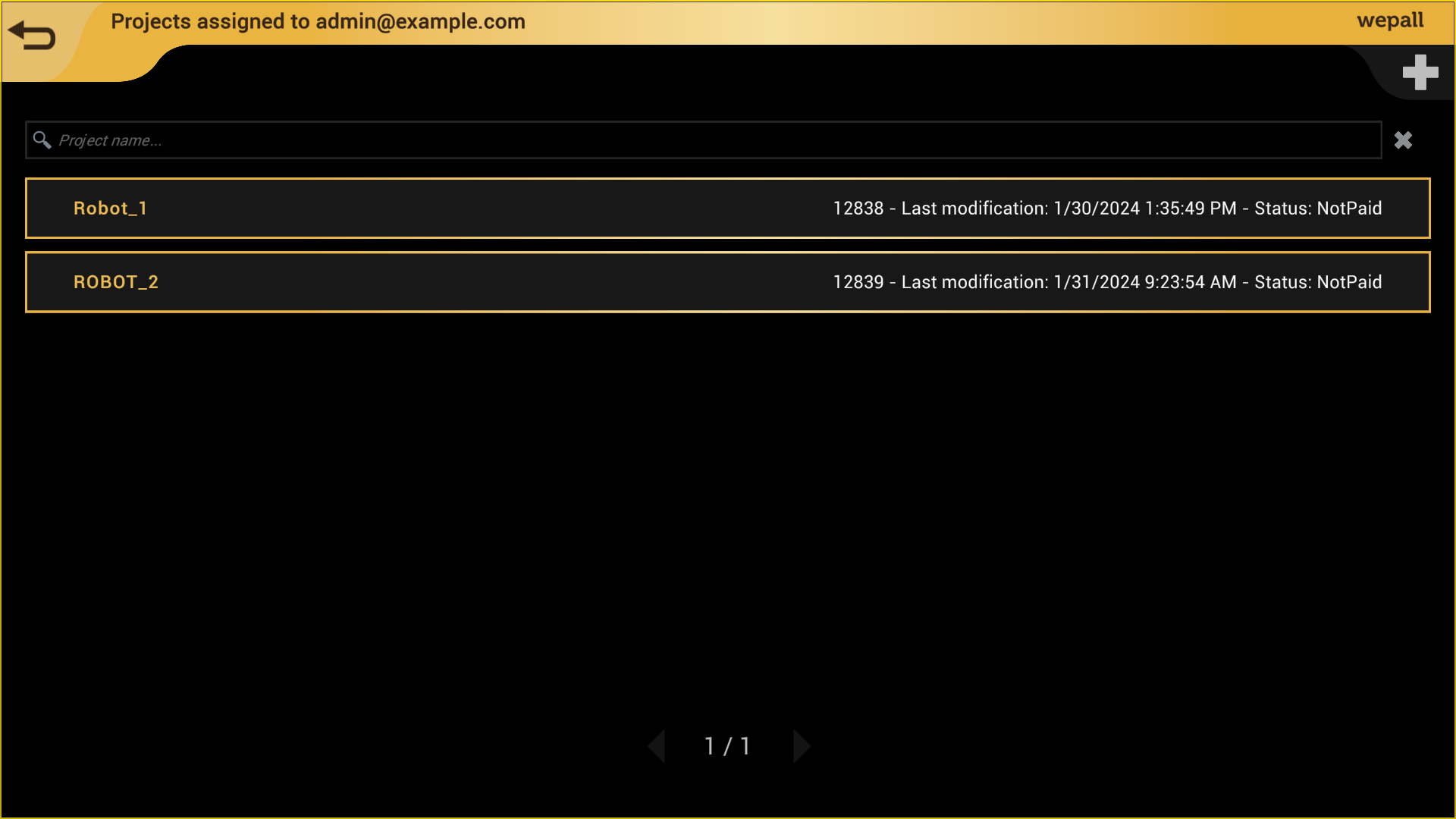
Remember that this application requires an internet connection, as your projects are hosted in the Wepall cloud.
In a newly created account, it is normal for the project list to be empty, and you will need to create one.
#
Create a project
Before continuing, you may want to learn about the robot types supported by Wepall, as the project is linked to the selected type.
Once the project type has been selected, it cannot be modified.
Projects created will be the exclusive property of the user, although they may optionally be accessed anonymously.
#
Open an existing project
Click on the desired project and you will be taken to the recipe management screen for your palletizing line.
Abracadabra 🧙♂️
Magically, the basic configuration of your palletizing line is already set up.