

#
Code generation
#
Requirements for code generation
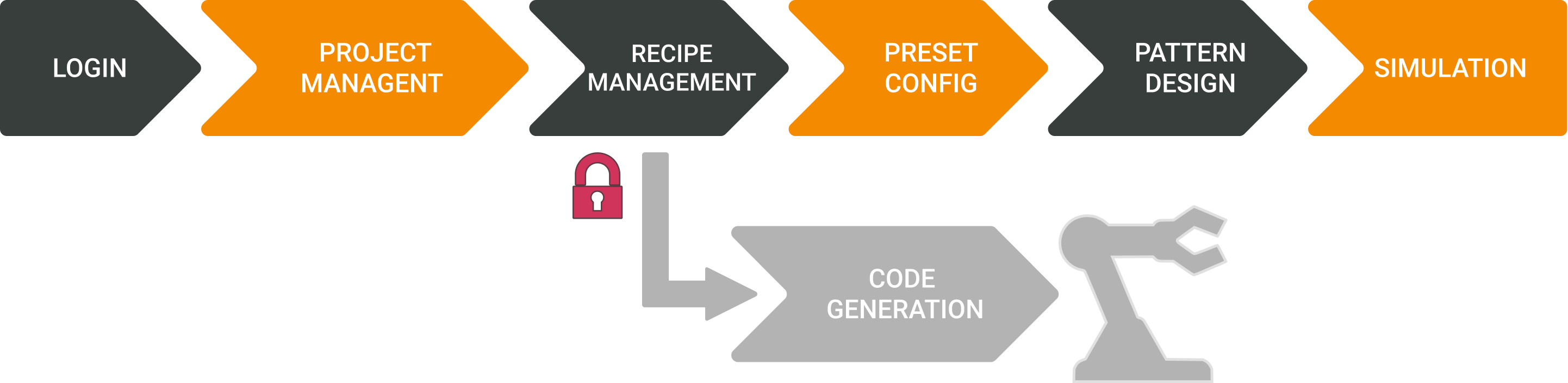
As explained in the license section, the project must be paid in order to perform this action.
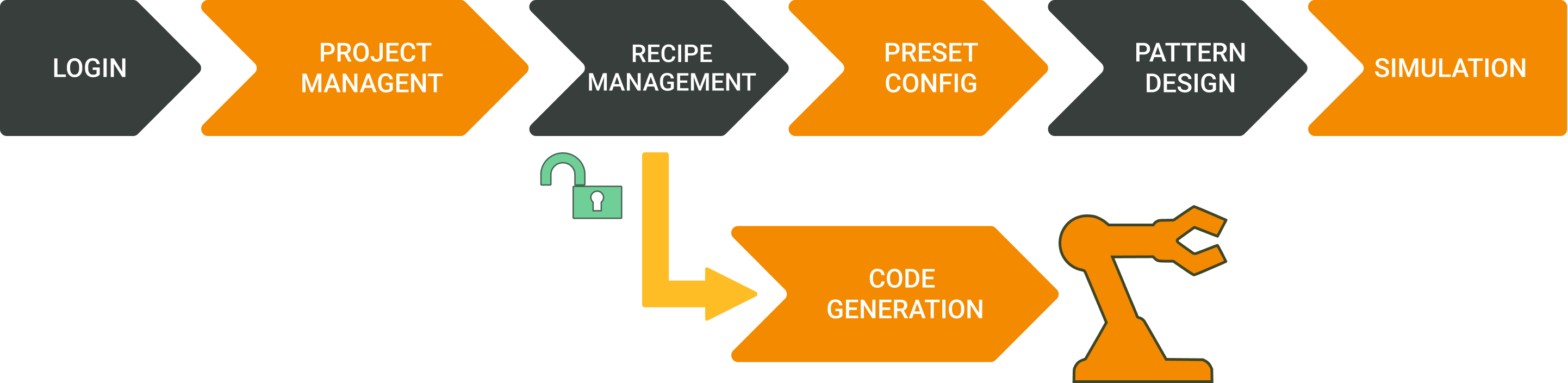
Otherwise, you will not be able to proceed.
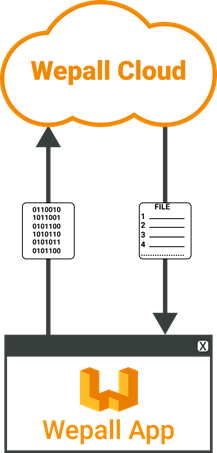
The software contacts the Wepall cloud system to generate the requested code.
#
Generate all project source code
The action of generating your entire project (which includes all your recipes and potential "starter" files) is performed from the recipes view.
This option will include the "starter" files required by the robot, depending on the recipe order defined for your project.
Range check during full project code generation
During code generation for all recipes, the system checks whether any recipe contains positions that are unreachable by the robot kinematics.
If any are detected, the list of conflicting recipes will be displayed. Even so, it is still possible to continue with code generation (Continue Anyway).
Always under the responsibility of the technician in charge.
#
Generate source code for a single recipe
Range check during single-recipe code generation
During code generation for an individual recipe, the system checks whether it contains positions that are unreachable by the robot kinematics.
If conflicting positions are detected, the associated information list will be displayed.
For more information, refer to the range check section.
#
Code download window
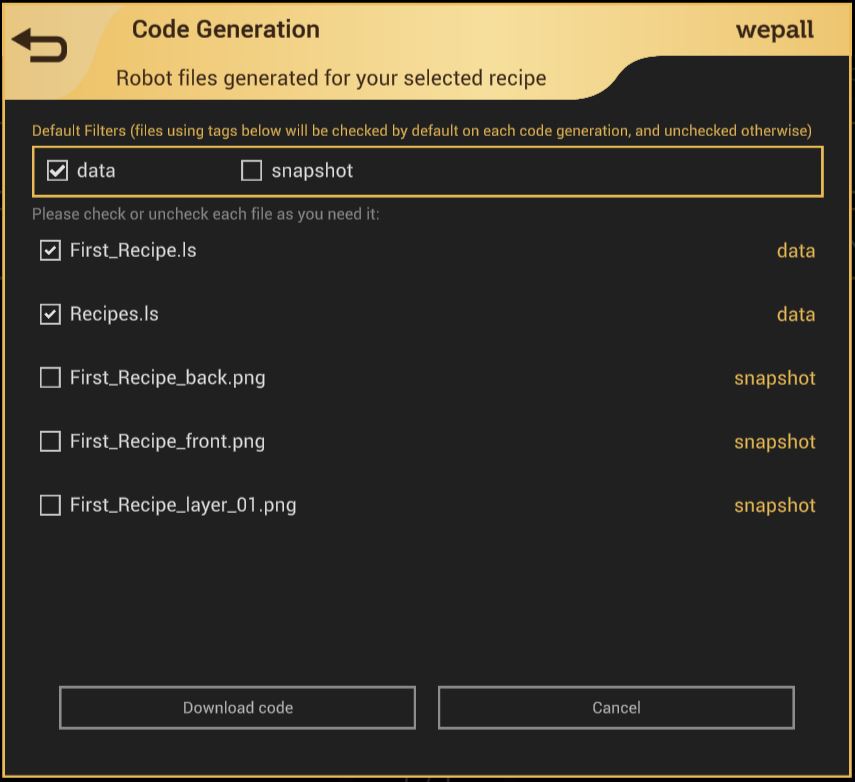
Once the robot code has been generated, the application will display a list of files available for download, which can be checked or unchecked as needed. Each file has an associated automatically generated tag, indicating the file type, which is displayed to the right of each file.
Using the checkboxes at the top of the window (Default Filters), the user can select, with a single click, which file types will be downloaded based on their tag.
The image below shows the generation of Fanuc code, which includes files with the .ls extension, commonly associated with data files, and therefore tagged as "data".
"Snapshot" files
These files are images generated for each pattern layer, as well as an isometric view of the pallet from two angles (front + inverted). These images can be useful for generating internal reports or simply providing additional information.
Make it easy
- The Default Filters selections will be remembered for future code generations to save time.
- Snapshot image files are disabled by default, as they are rarely needed alongside the robot code.