

#
Simulation
#
Pattern simulation
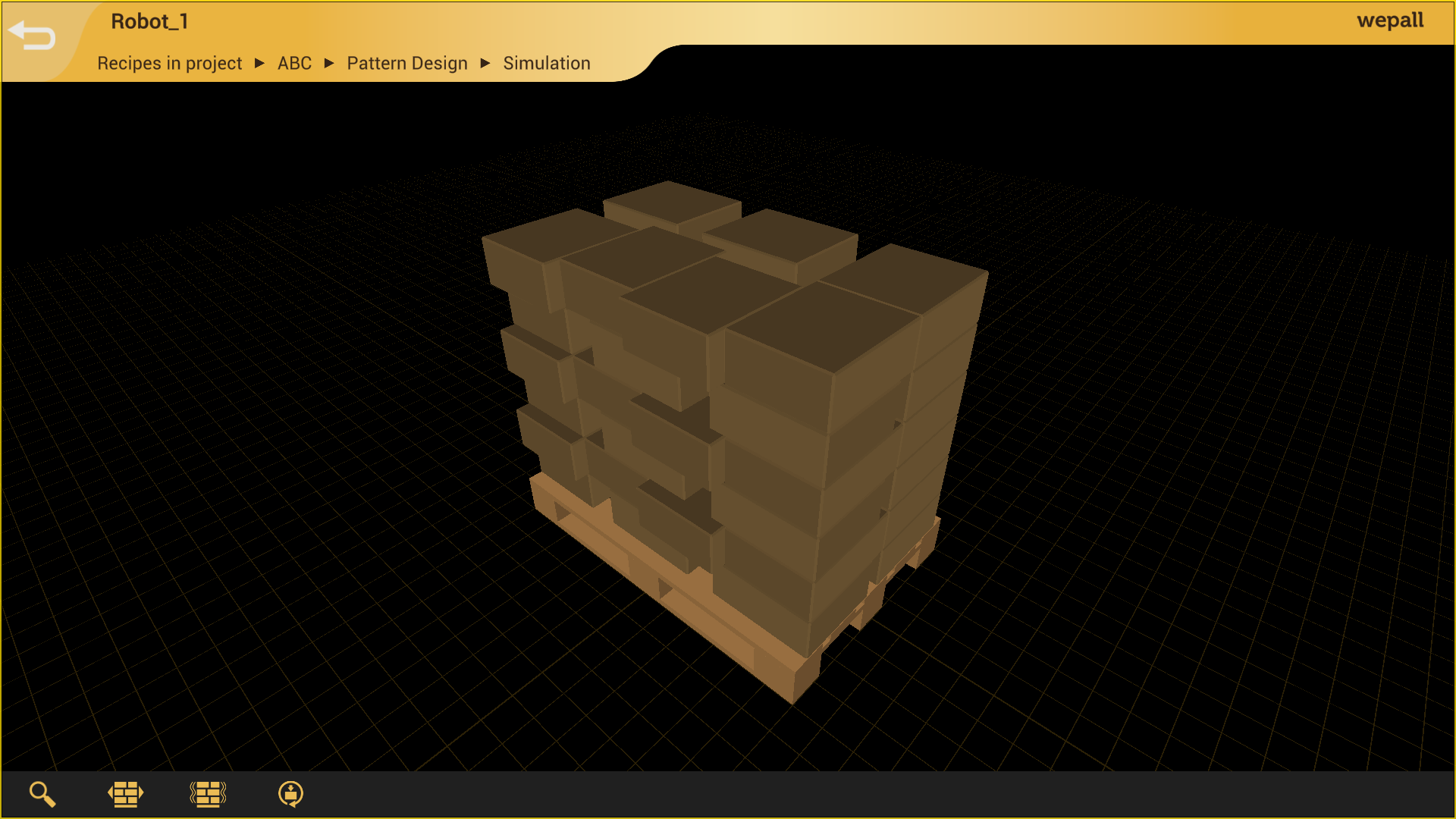
In the pattern simulation screen, we will visualize 👀 how the products 📦 are arranged on the pallet.
warning
The simulation is indicative only and does not guarantee correct system operation. It depends on environmental factors such as physical elements in the installation, PLC configuration and programming, pattern design, and preset configuration.
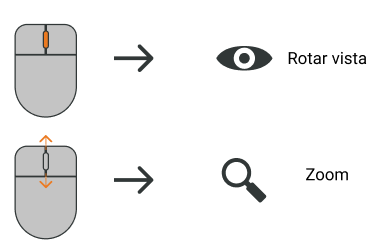
Mouse shortcuts
#
Physical behavior simulation
Once the pallet pattern design is complete, access the simulation screen and select the desired physical simulation.
Where:
1. Vibration Test. Simulates pallet stability through a rocking (vibration) movement.
2. Motion Test. Observes the behavior of the pattern during lateral movements.
3. Reset. Restores the pallet to its initial state.