#
Preset Station – Pallet Management Station
#
Description
This preset represents the station where the robot picks up pallets in order to place them onto the palletizing station.
#
Distance check method types
#
Static position
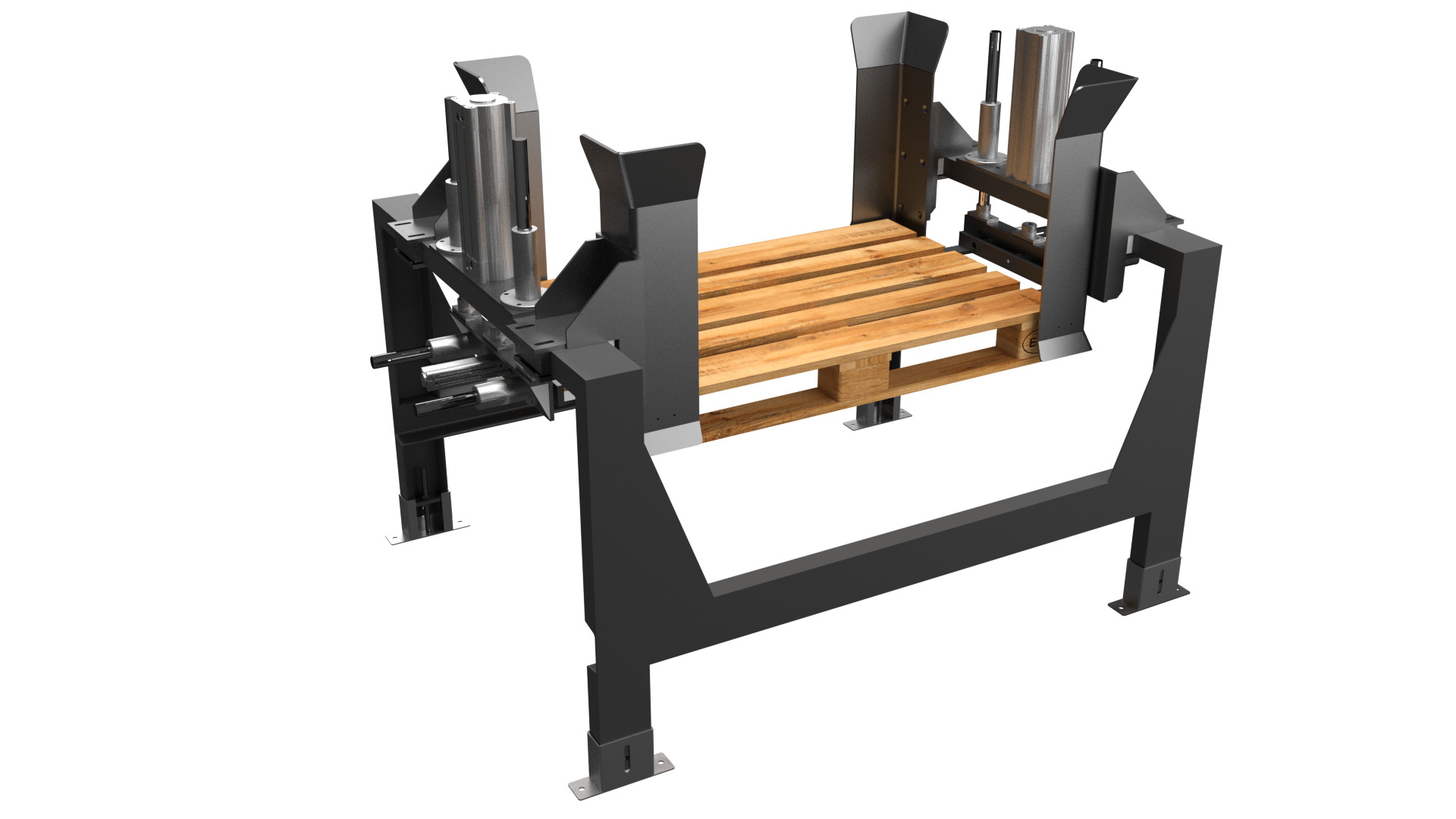
The station includes mechanical systems that keep the pallets in a fixed position, allowing the robot to always pick them from the same location.
#
Distance sensor
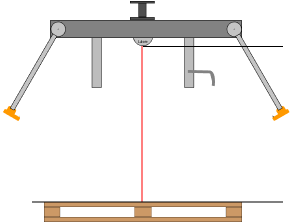
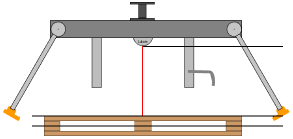
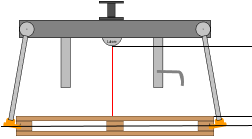
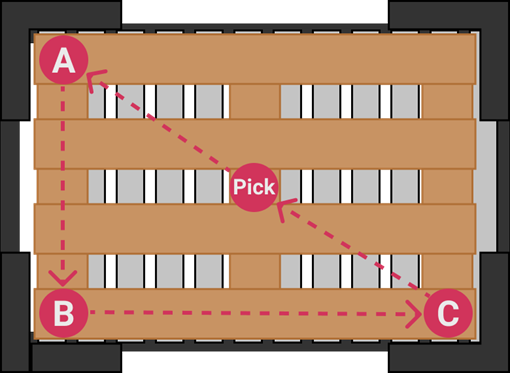
In this case, the station has no pallet-lifting mechanisms. The gripper integrates a distance sensor that informs the PLC of the pallet distance. For higher reliability, the distance is measured from three different points.
This value is transmitted to the robot, which moves to the indicated position to pick the pallet.
 |
 |
 |
|---|
#
Contact sensor
In this case, the station has no pallet-lifting mechanisms and no distance measurement sensor.
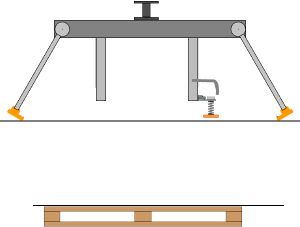
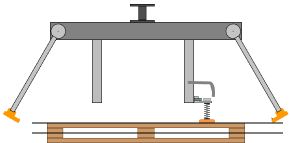
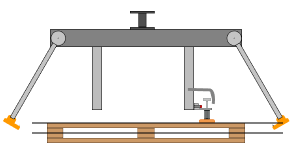
For this reason, the robot performs a slow downward movement until one of the following conditions is met:
 |
 |
|---|---|
 |
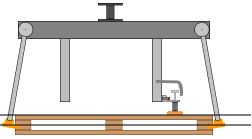 |
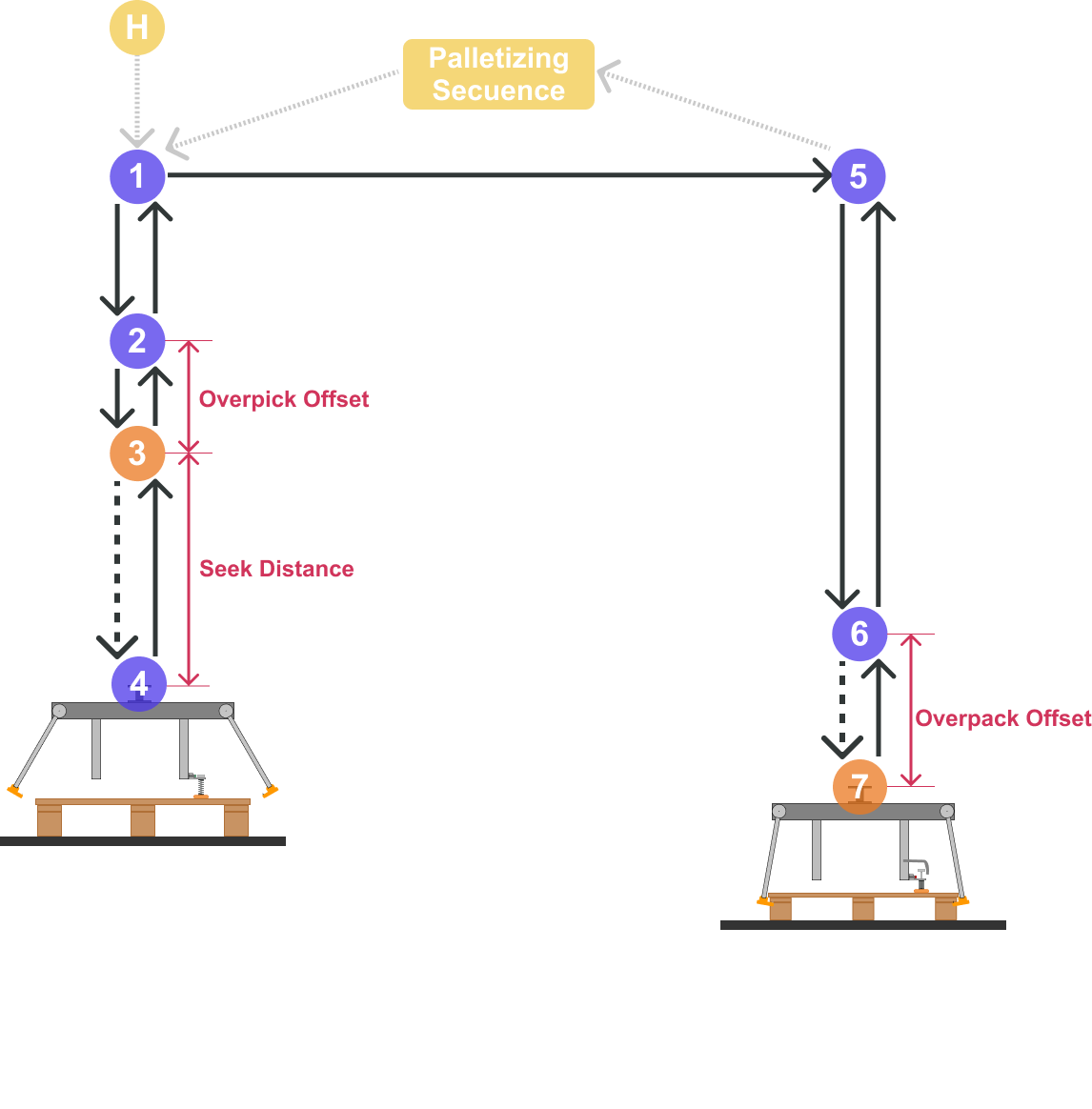
- The robot travels a maximum defined distance (Seek Distance) without finding pallets, returning an error to the PLC.
- The presence of a pallet is detected (vacuum, contact sensor, photoelectric sensor, distance sensor I/O, etc.), the pallet is picked, and the cycle continues.
For more information, refer to the PLC integration manual.
#
Variable assignment
Preset variables depend on the selected Pallet Pick type.
#
Variables
#
Name
User-defined node name.
#
Distance check method
Selection of the integrated station type.
#
[X,Y,Z,R]
Reference point of the pallet station (point 3).
#
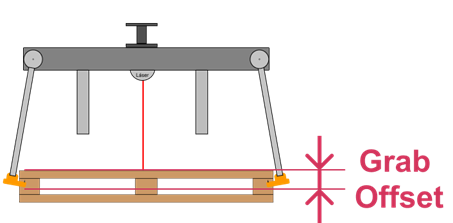
Grab Offset
For distance sensor stations, this value indicates how much further the gripper must descend beyond the measured distance to ensure proper pallet gripping, in millimeters.
#
Overpick Offset
Distance offset above the pallet station where the gripper positions itself to activate integrated pallet pickup systems, in millimeters.
#
Seek Distance
For contact sensor stations, this value defines the maximum distance traveled to find pallets. If none are detected, the robot returns an error to the PLC, in millimeters.
#
Point [A,B,C]: [X,Y,R]
User-configurable measurement coordinates used to improve reliability when measuring pallet distance.
All points are located at the same distance from the target.
#
Pallet Pack variables
Once the Pallet Pick preset is linked, these fields will appear in the Pallet Station preset.
#
Pallet [X,Y,Z,R]
Coordinates of the pallet placement point on the palletizing station (point 7).
#
Pallet Overpack Offset
Height from which the pallet placement approach is performed, in millimeters.