

#
Introduction
#
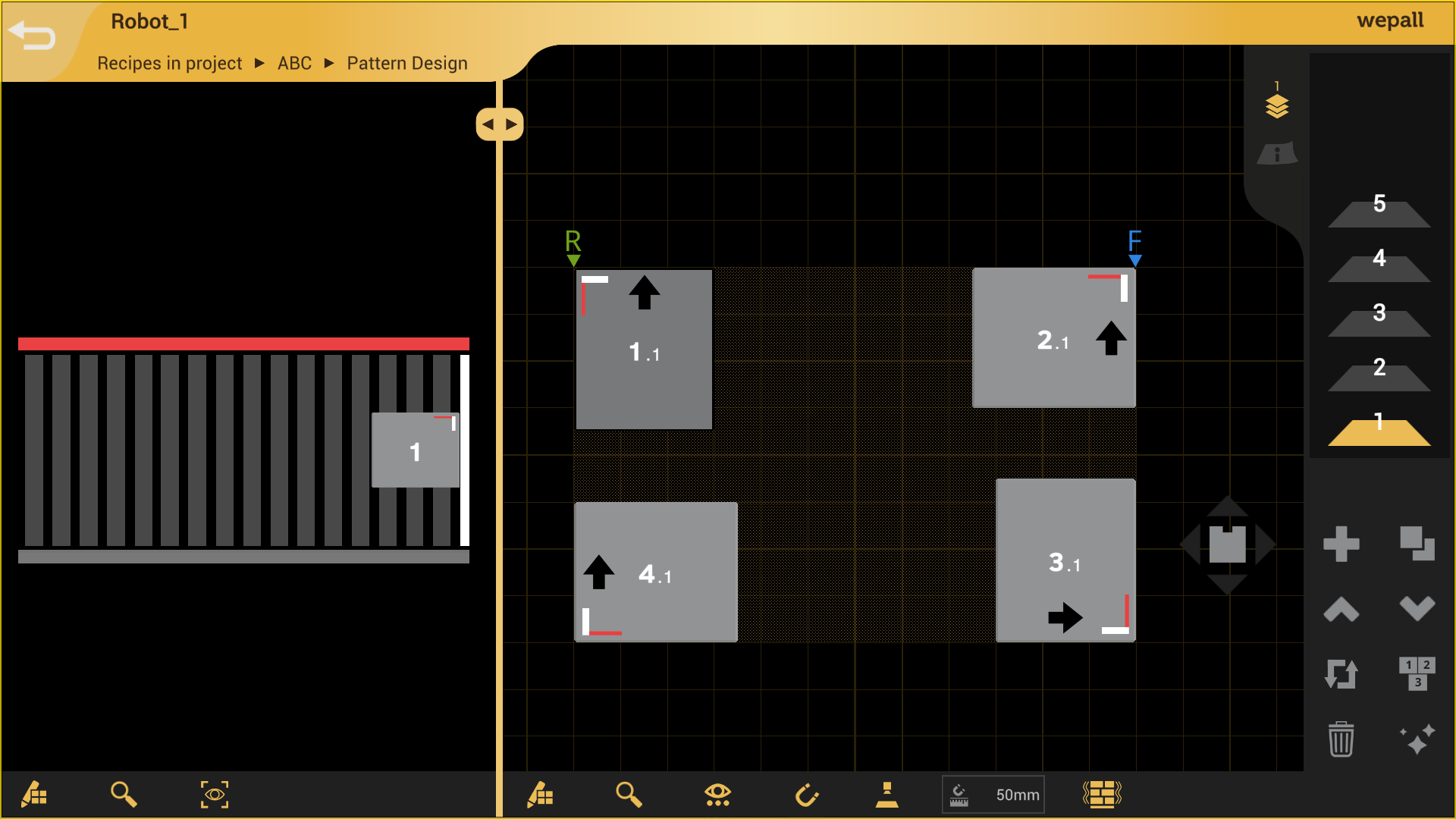
Pattern editor interface
Pattern creation with the selected configuration is performed in a simple and versatile interface, as shown in the following image.
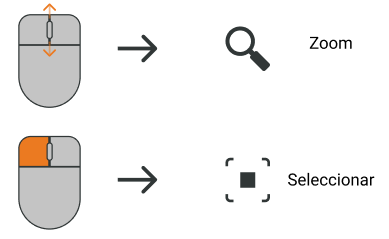
Mouse shortcuts
#
Steps to create a pattern
By following the instructions, build the pattern to be executed by the robot.
Products inserted into the pattern may indicate an error by changing color and turning red. Situations that may generate errors include:
- Product overlap.
- Products outside the pallet surface.
- The product does not have sufficient support from products on the lower layer.
When more than 64 products are inserted in a layer, a message appears warning that the current pallet and product configuration will result in a very high cycle count, which is highly inefficient and in most cases may affect performance. Do you want to continue anyway?
The pattern is limited to a maximum of 512 cycles per pallet.
warning
Verify the resulting pattern, as well as the opening of the selected gripper, the product placement order in the pattern, and the approach directions.