

#
Positioning tools
For fine adjustment of products to be palletized in the pattern, Wepall provides a set of tools that allow precise placement of elements.
#
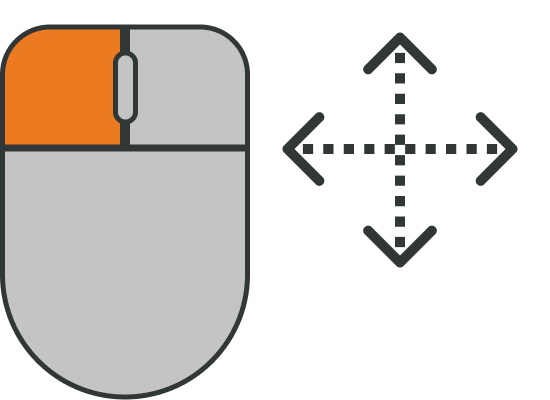 Manually move an element
Click on the element or group to be moved and, while holding the mouse button, drag it to the desired position.
#
Rotate product
Select the element to rotate and click the rotation icon, then drag to the desired angle.
By default, rotation is performed in 45-degree steps.
If intermediate angles are required, hold down the Control key on the keyboard to rotate in single-degree steps.
#
Precise movement
Select the element to move and press the direction arrows, or alternatively use the keyboard cursors, to move it in the step increments defined in the approach adjustment field, with millimeter-level steps.
#
 Approach function adjustment
For precise adjustment of a pattern design, all elements must be properly aligned. To achieve this, Wepall integrates this function to facilitate pattern design.
This allows a product to automatically align with another element when it approaches the pallet edges or an already positioned product and the distance between them is below the defined threshold.