
#
Robot Node
#
Description
This node references the make and model of robot linked to the project.
#
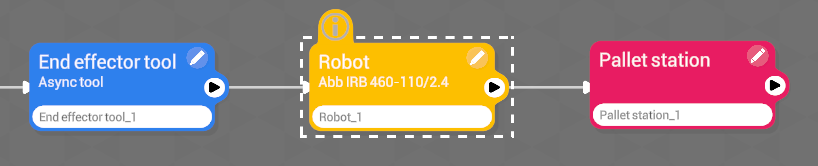
Node connection
#
Brand and model
This node will be associated with a compatible brand and a specific model of robot, present in our database.
Once the robot node has been added and assigned to the project, the node cannot be deleted, nor can the selected make and model be modified.🚫🗑️
For more information, please contact Wepall's technical team.
#
Variables
#
Name
User-defined name for the robot.
#
Model
Robot model to be implemented in the project.
#
Controller version
Controller version.
#
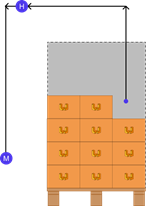
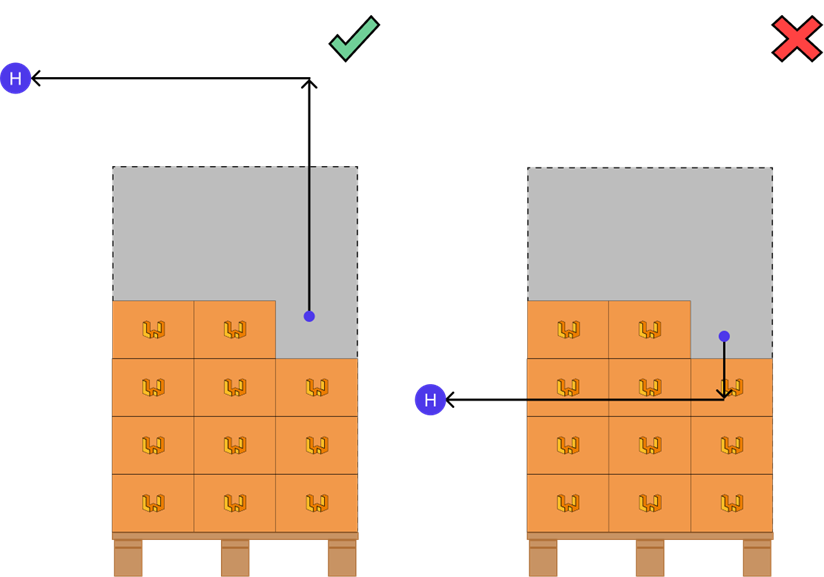
Home(X,Y,Z,R)
Coordinates of the Home point where the robot will be placed in a safe position where it will not hinder the operation of the system.
For more information on how to obtain coordinates, please refer to the obtaining coordinates section of this manual.
#
Maintenance(X,Y,Z,R)
Coordinates of the maintenance point where the robot will be located for gripper maintenance tasks.
For more information on how to obtain coordinates, please refer to the obtaining coordinates section of this manual.