

#
Project management
#
List of projects
The main screen of the application will display the projects previously created and available in the ☁️Wepall☁️ cloud.
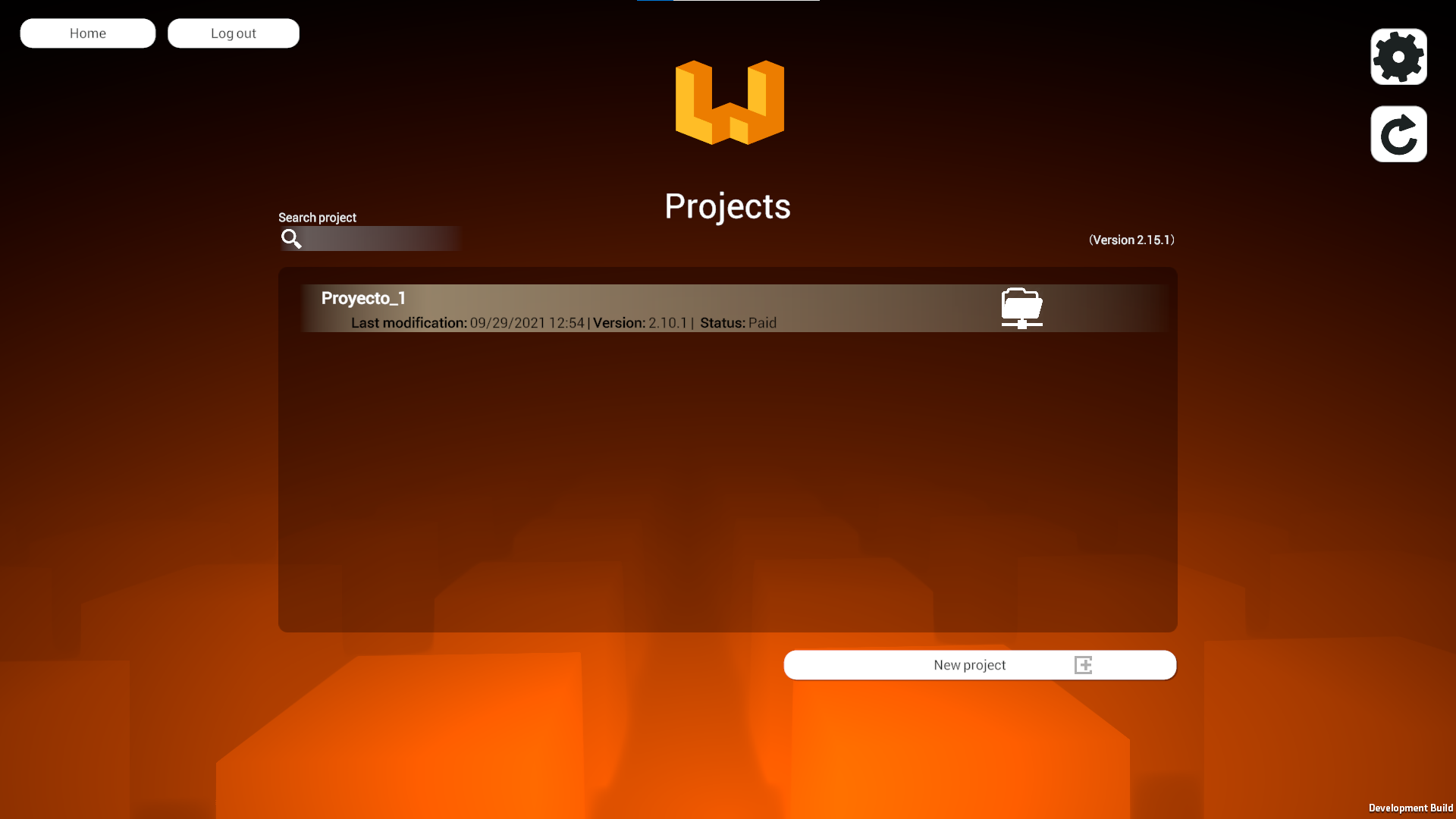
If you don't see one, don't worry, we will show you how to create one. 🦾
#
Opening an existing project
- Click on the desired project and you will be taken to the configuration screen of your palletizing line.
#
Types of projects
The types of projects contemplated by wepall, are conditioned to the morphology of the robot, they can be:
#
Anthropomorphic
They are industrial robots, which simulate the behavior of an articulated human arm in which all its axes are rotating.

#
Collaborative
Collaborative robots are designed so that there is collaboration between the robot and a human.

#
Cartesian/Gantry
For projects in which a robot with gantry structure is integrated, in which the displacement movements are linear in its axes (X/Y/Z). Integrating the servo control in the PLC.

The projects created by Wepall do not affect the various safety aspects of the installation 🧐. It is the responsibility of the installation company or the technical personnel in charge of the integration 🔧🧰, to comply with the national and international safety regulations in force.
For more information, please contact Wepall technical department.
#
Project creation
- Click on New Project.
- Select the Select project type.
- Select Empty project.
- Type a project name.
- Click on Create project.
Once the project type is selected, it cannot be changed.😊
The projects created will be the property of the company to which the user belongs. The access permissions can be modified by the company administrator.🔒📝
#
Project Creation Wizard
- Click on New Project.
- Select the Select project type.
- Select Wizard.
- Type a project name.
- Once the menu is displayed, you can check the options that best describe the physical installation. Click Create project.
Abracadabra 🧙♂️
Magically the basic configuration of your palletizing line is ready.